



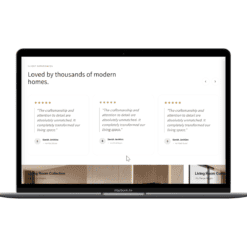
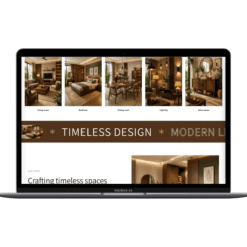
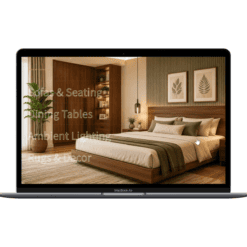
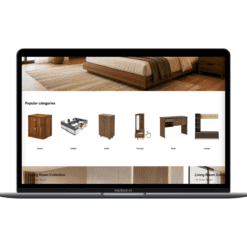
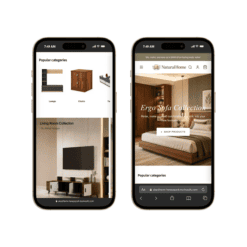
34 Premium Shopify Sections Bundle | Online Store 2.0 | No App Required
₹1,499.00 Original price was: ₹1,499.00.₹499.00Current price is: ₹499.00.
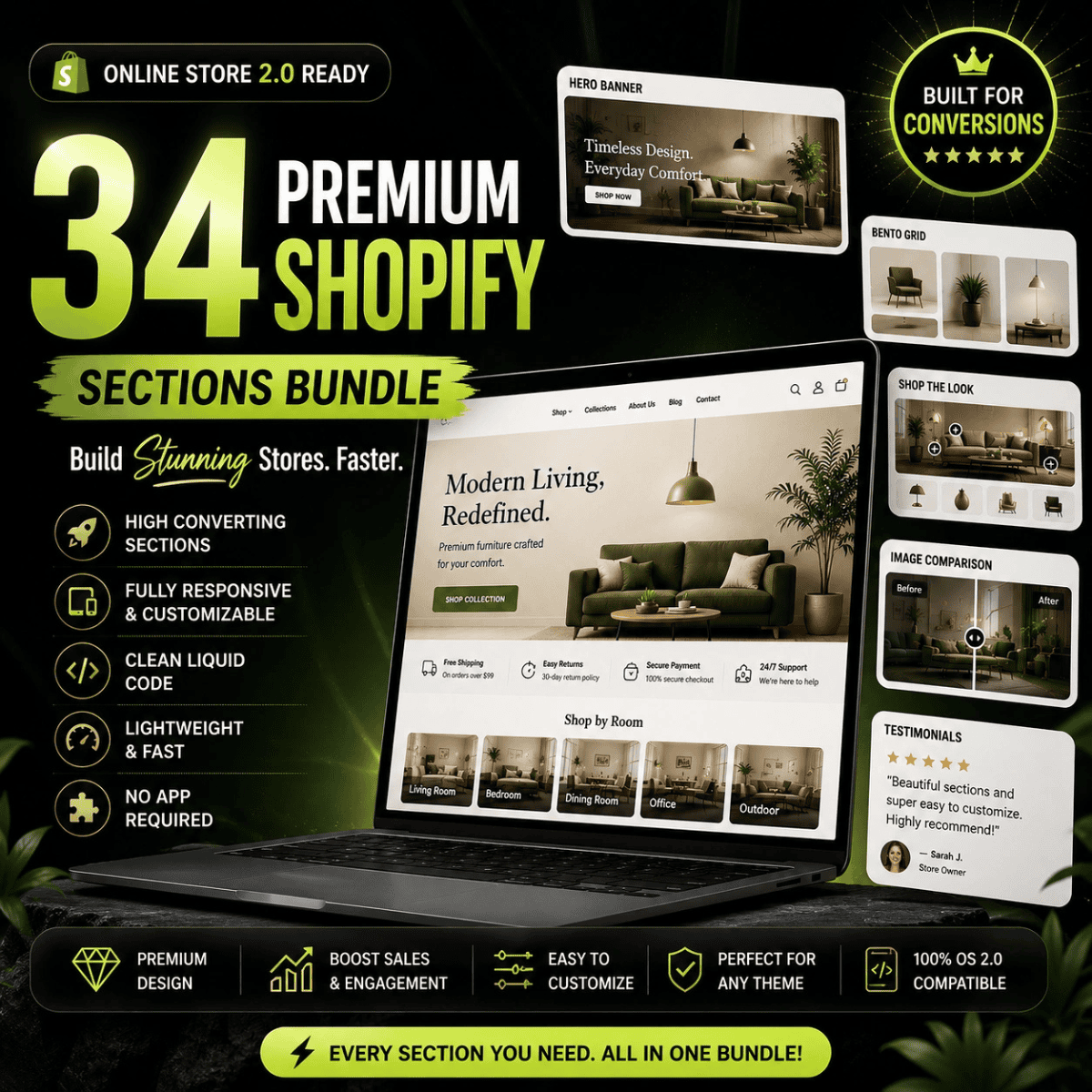
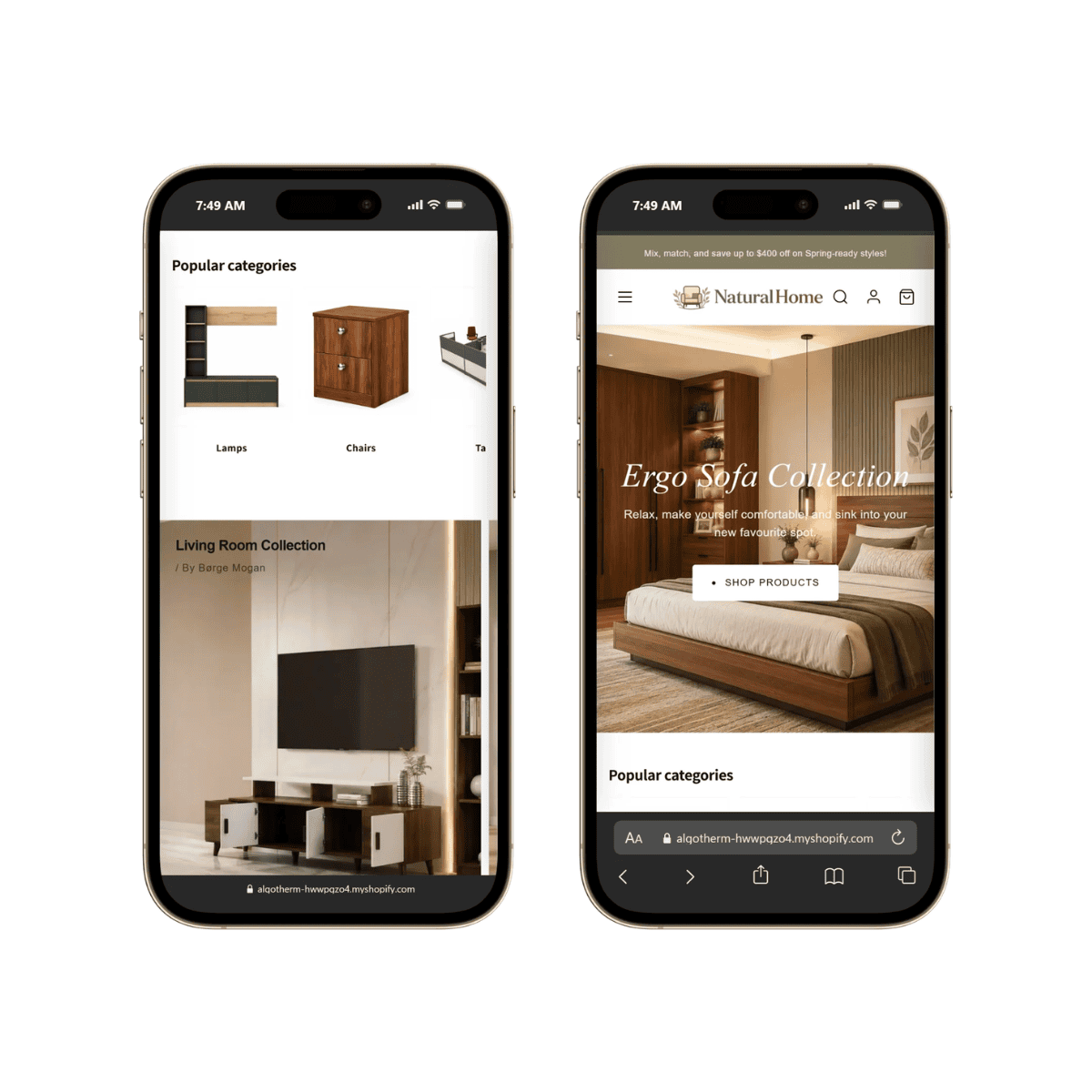
Transform your Shopify store with 34 premium Online Store 2.0 sections built using clean Liquid code, CSS, and Vanilla JavaScript. No monthly apps, no bloated page builders—just lightweight, responsive, and fully customizable sections designed for modern Shopify themes.
Build a Premium Shopify Store Without Monthly App Fees
Stop paying monthly subscriptions for heavy page-builder apps that slow down your Shopify store.
The Premium Shopify OS 2.0 Sections Bundle includes 34 professionally designed Shopify sections built to help developers, agencies, freelancers, and store owners create beautiful ecommerce experiences using clean, lightweight code.
Every section is handcrafted using Shopify Liquid, HTML, CSS, and Vanilla JavaScript—with zero unnecessary dependencies.
Whether you’re building a fashion store, furniture store, beauty brand, electronics shop, or luxury ecommerce website, these sections integrate seamlessly into your existing Shopify theme.
What’s Included
- Premium Hero Banner
- Glassmorphism Header
- Shop The Look
- Bento Grid
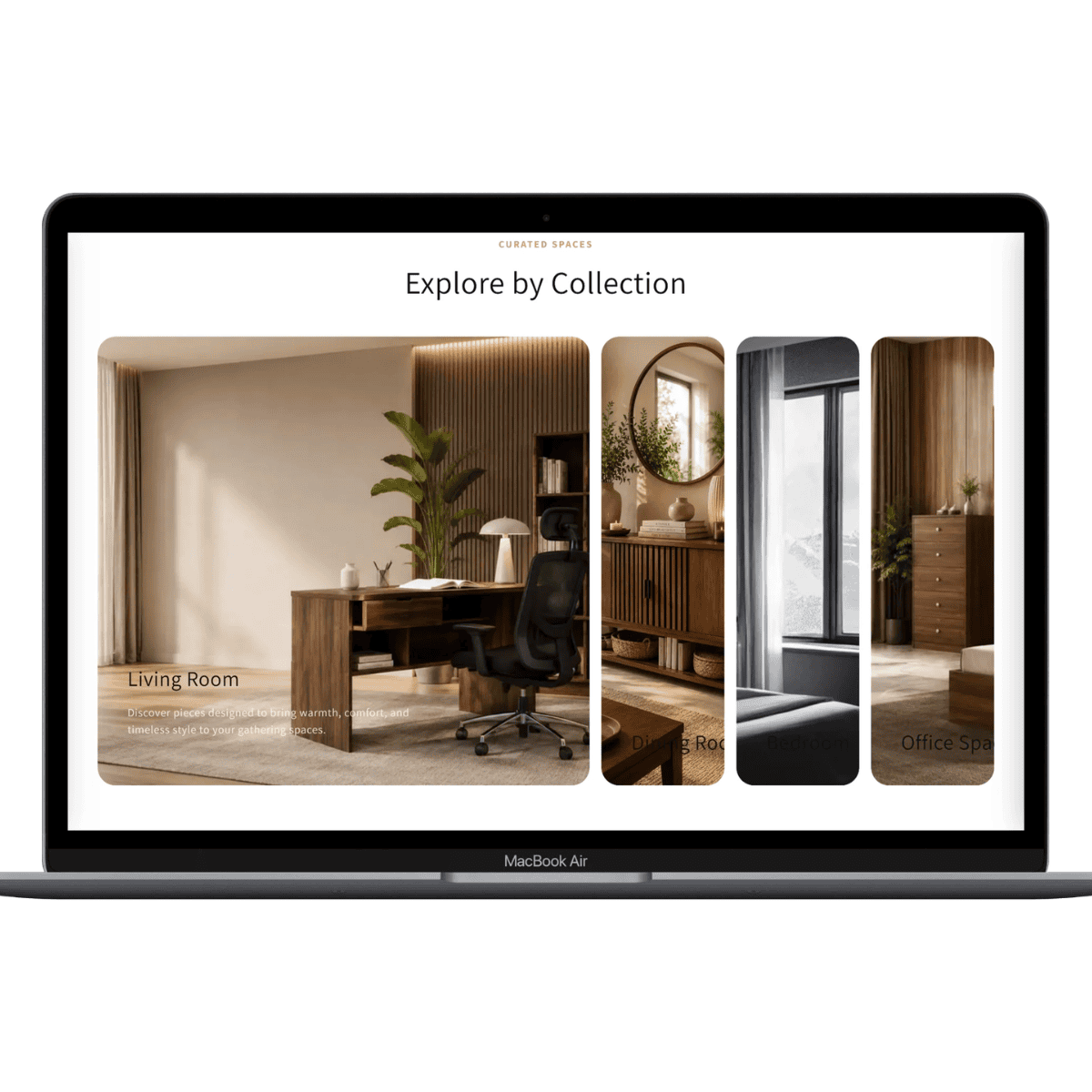
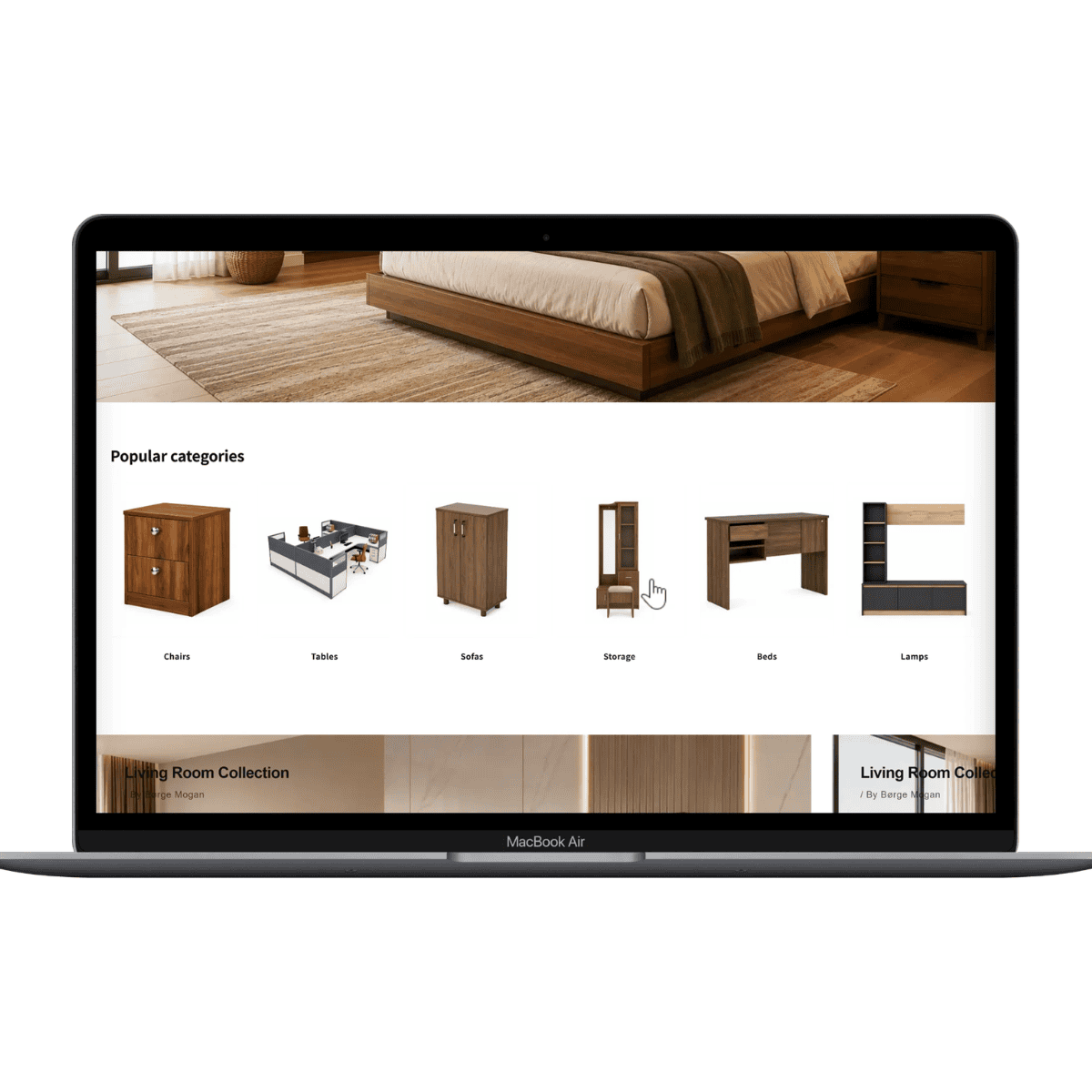
- Collection Slider
- Product Features
- Sticky Story Sections
- Interactive Lookbook
- FAQ Sections
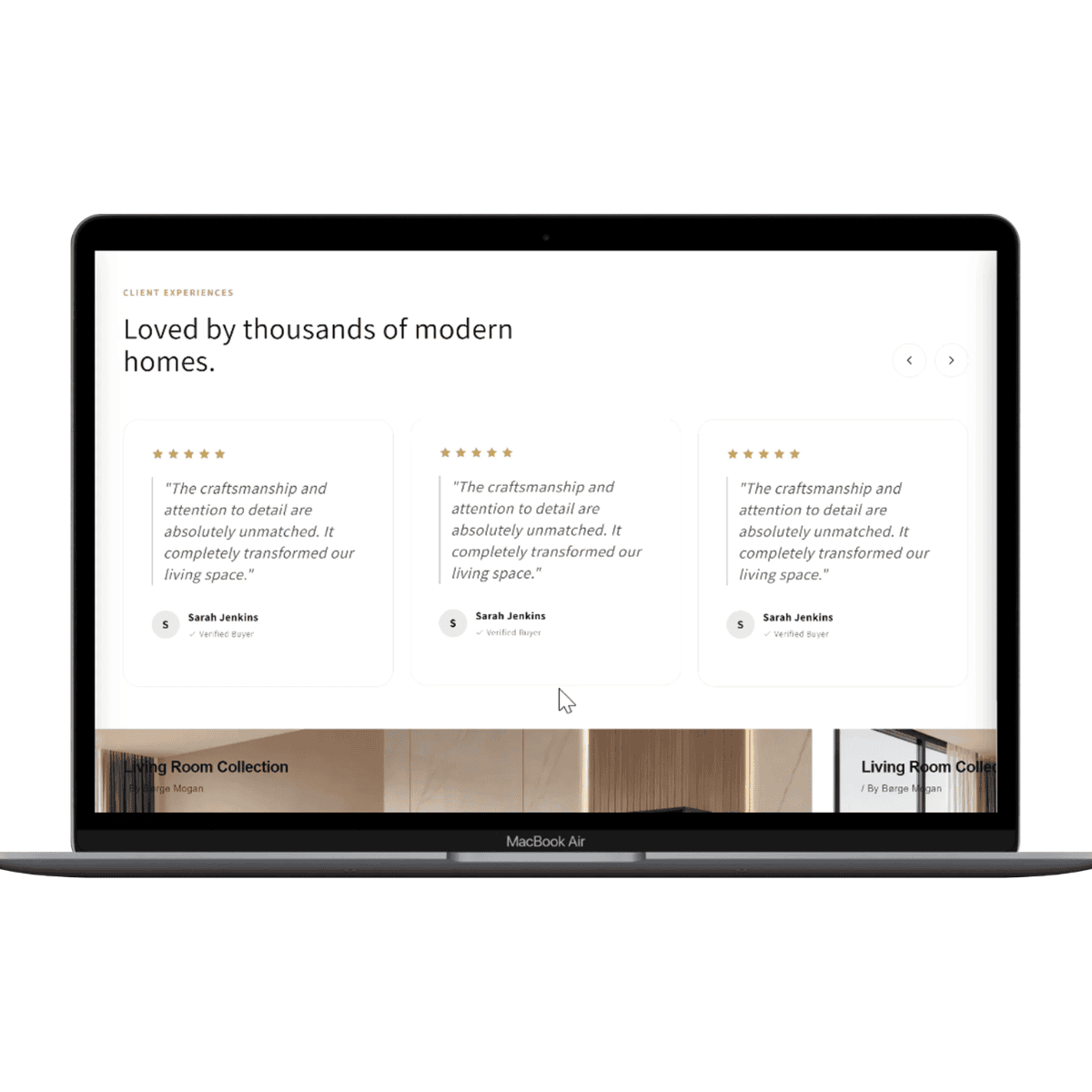
- Testimonial Cards
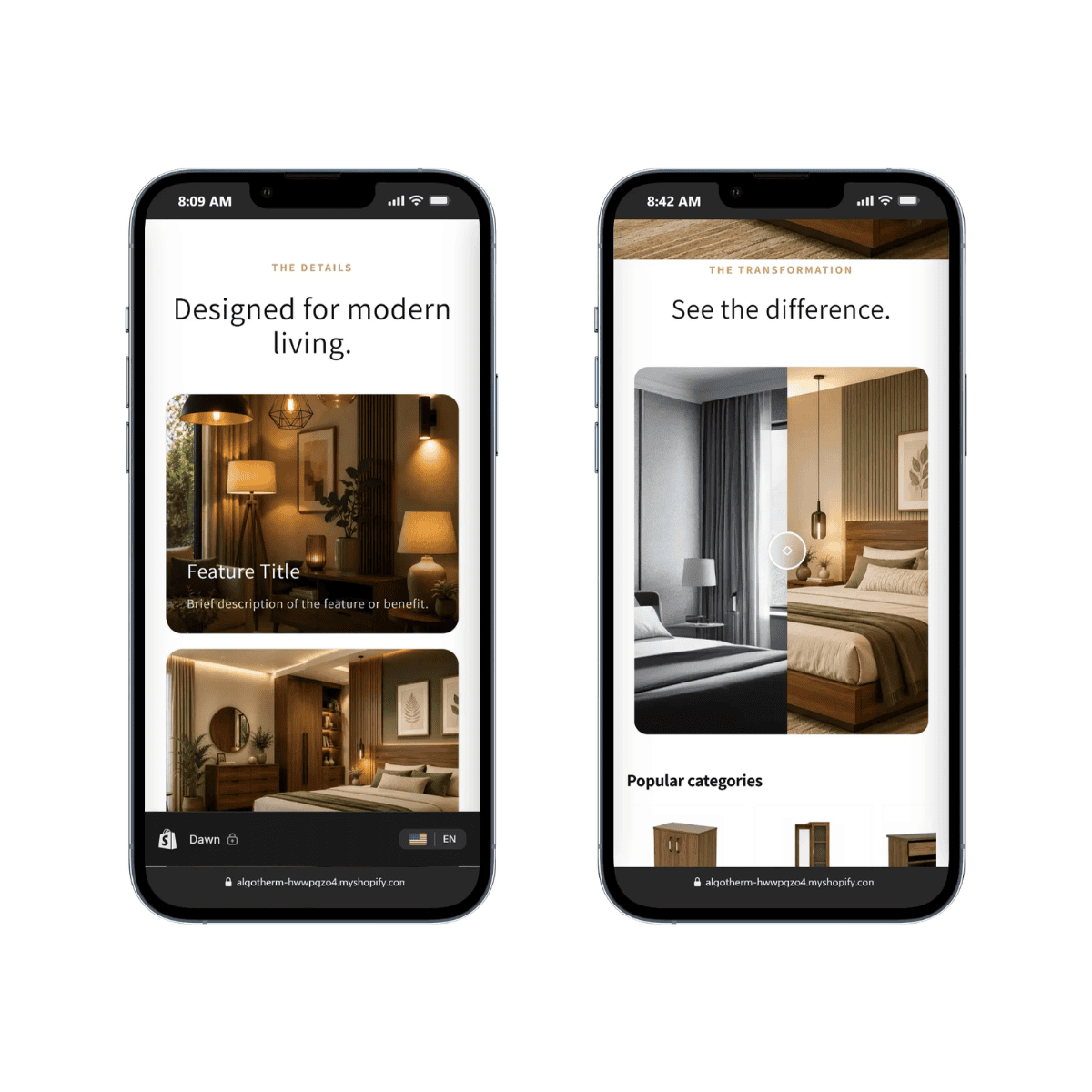
- Before & After Slider
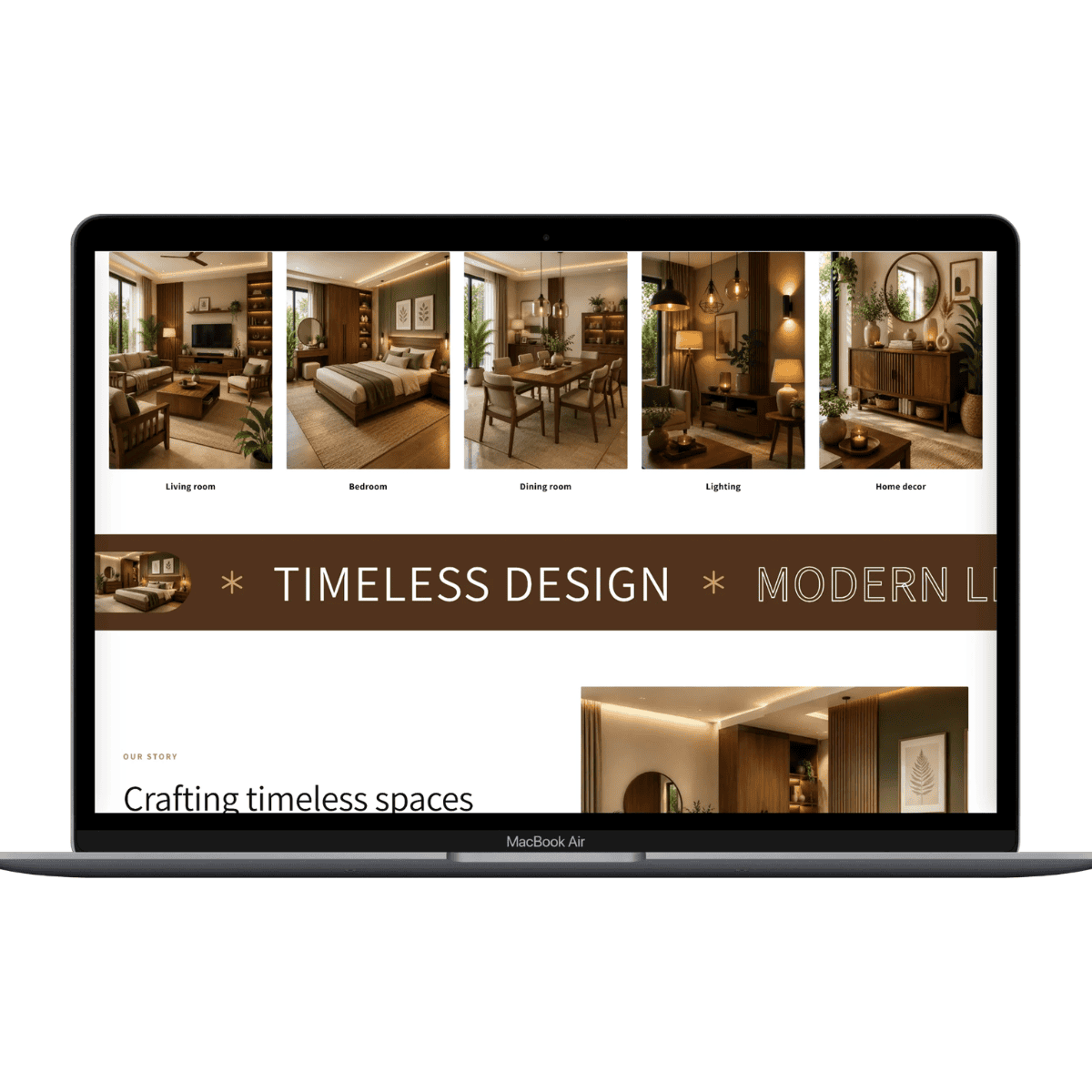
- Infinite Marquee
- Product Comparison
- Video Banner
- Image Showcase
- Material Gallery
- Sticky Cards
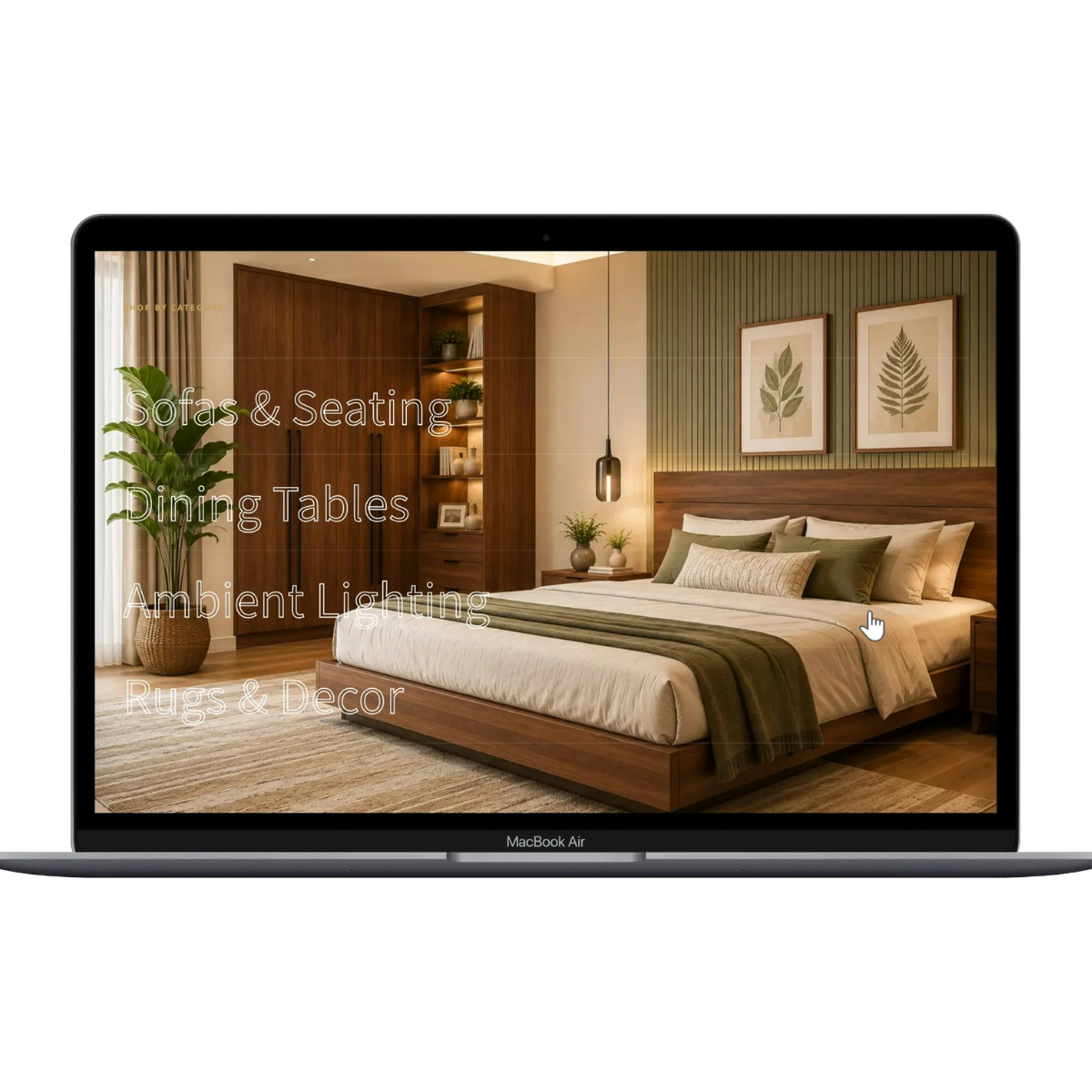
- Hover Reveal
- And many more…
Total Sections Included: 34
Compatible Themes
Works perfectly with Shopify Online Store 2.0 themes including:
- Dawn
- Prestige
- Impulse
- Symmetry
- Sense
- Refresh
- Craft
- Ride
- Studio
- Colorblock
and most modern Shopify 2.0 compatible themes.
Why Choose This Bundle?
- 34 Premium Shopify Sections
- Online Store 2.0 Ready
- Lightweight & Fast
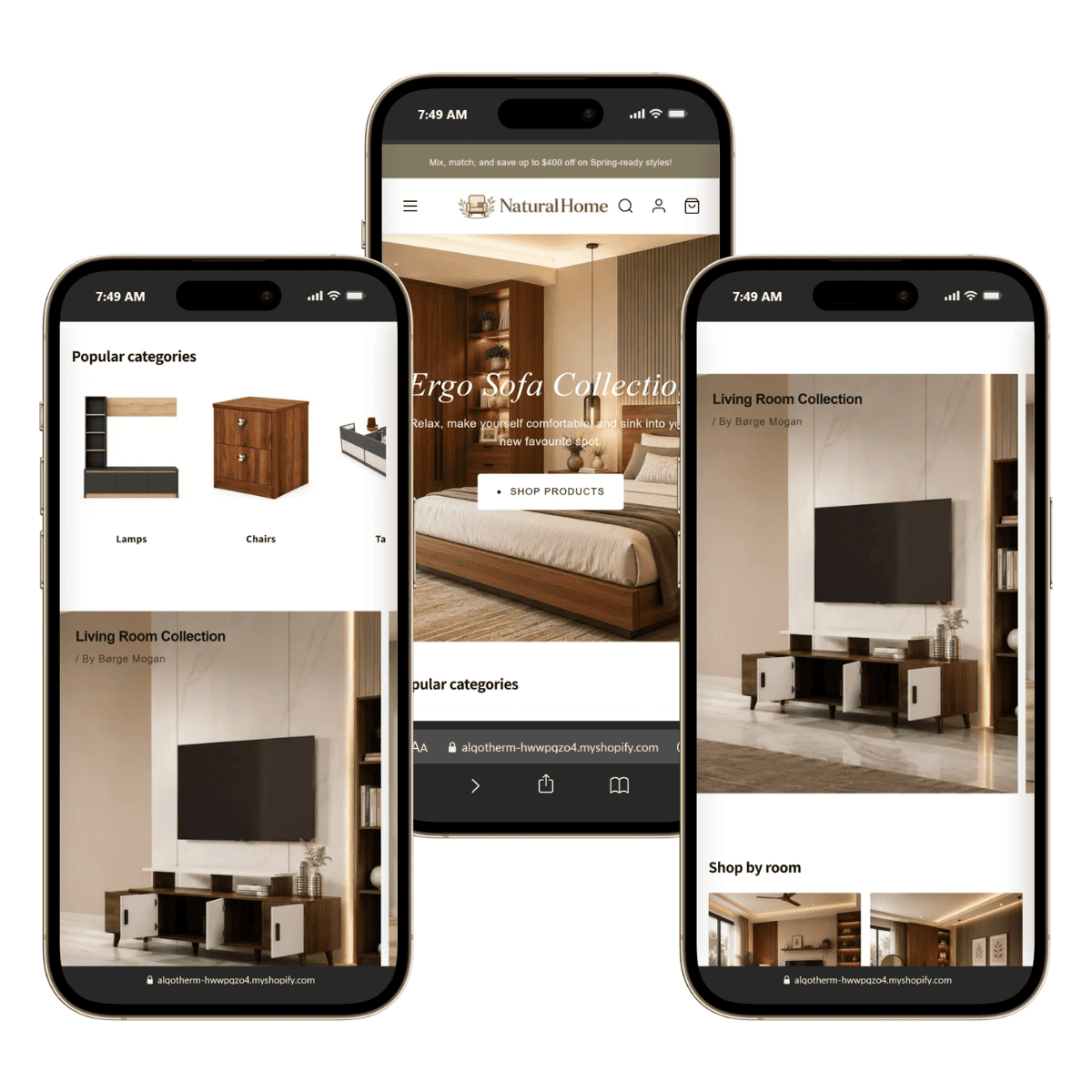
- Mobile Responsive
- Clean Liquid Code
- No Monthly Fees
- No App Required
- Easy Customization
- SEO Friendly
- Developer Friendly
- Agency Ready
- Modern UI
- Performance Optimized
How to Install
You don’t need to be a developer to use these sections. If you can drag and drop a file or copy and paste, you can install them in just a few minutes.
Method 1 – Upload the Liquid File (Recommended)
- Log in to your Shopify Admin.
- Hover over Online Store and click the pencil (Edit) icon for your active theme.
- The Theme Editor will open.
- Click the three-dot menu (⋯) in the top-right corner next to the Save button.
- Select Edit code. A new browser tab will open with the theme’s code editor.
- Open the Sections folder.
- Drag and drop the provided
.liquidfile directly into the Sections folder. If drag-and-drop isn’t available, click Add a new section, create a file with the same name as the downloaded file, and paste its contents. - Click Save.
Method 2 – Add the Section to Your Store
- Return to the Theme Editor tab.
- Click the + Add Section button.
- Search for the section name.
- If you’re unsure of the exact name, open the Liquid file and locate the preset:
"presets": [
  {
    "name": "WL Expandable Collections"
  }
]
The value of the name field is the section name you’ll search for in the Theme Editor.
- Add the section to your page.
- Customize text, colors, spacing, images, buttons, and other settings directly in Shopify’s visual editor.
- Save your changes and publish.
Download Includes
- 34 Liquid Section Files
- Installation Guide (README)
- Documentation
- License Information


Shivam (verified owner) –
thanks for bundle
rishab –
bundle was ok but please add more sections and one video how to use it inside zip file
Pooja –
thank you for creating theses sections very useful